

DoubleSharp
DoubleSharp Entitle
Software licensing and updatesHTTP APITypeScriptWordPressDesktop
DoubleSharp Entitle
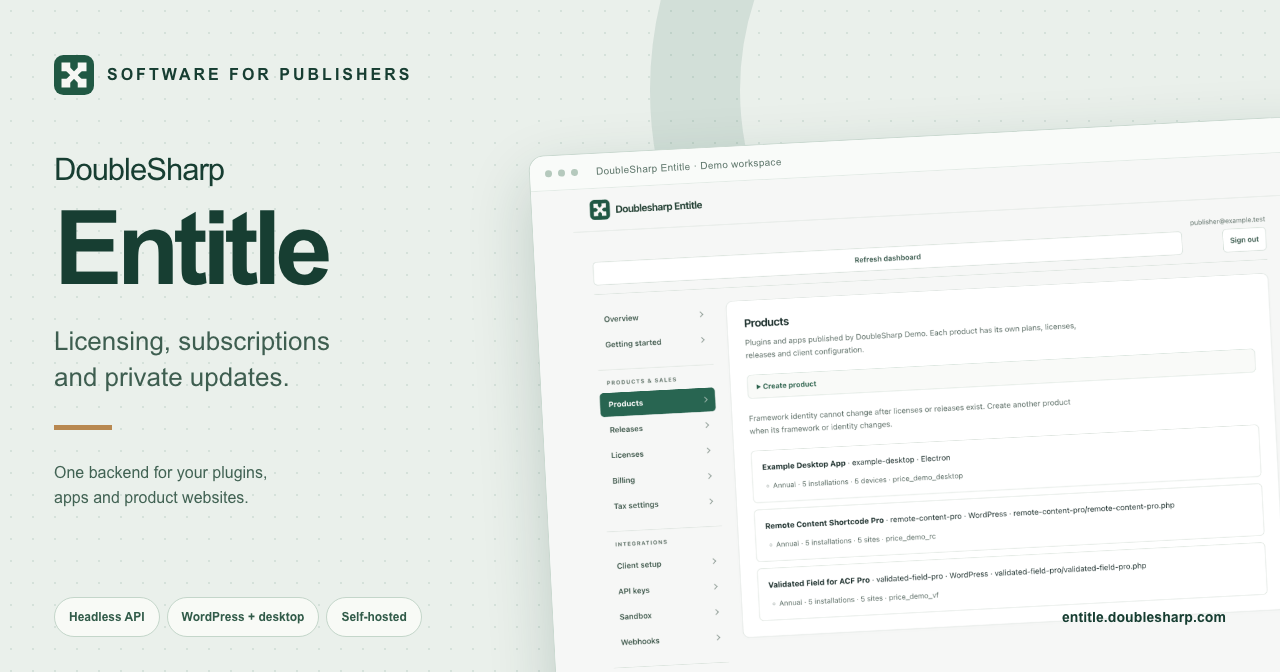
Entitle handles software subscriptions, license keys, site and device activations, and private updates. I built it while bringing my old WordPress plugins back as Free and Pro versions, with a headless backend I could also use for other applications and front ends.
Use one backend behind your product sites
The HTTP API serves the included seller dashboard and customer portal, and supports custom front ends. Keep your product websites separate while sharing products, customers, licenses and releases within a publisher workspace.
Use Stripe-hosted Checkout or a custom Stripe Elements form, with buyer payments in your own Stripe account. An independent website can proxy guest checkout through its server. Customer account flows need the included portal or a complete same-origin session proxy; automation keys belong on the server.
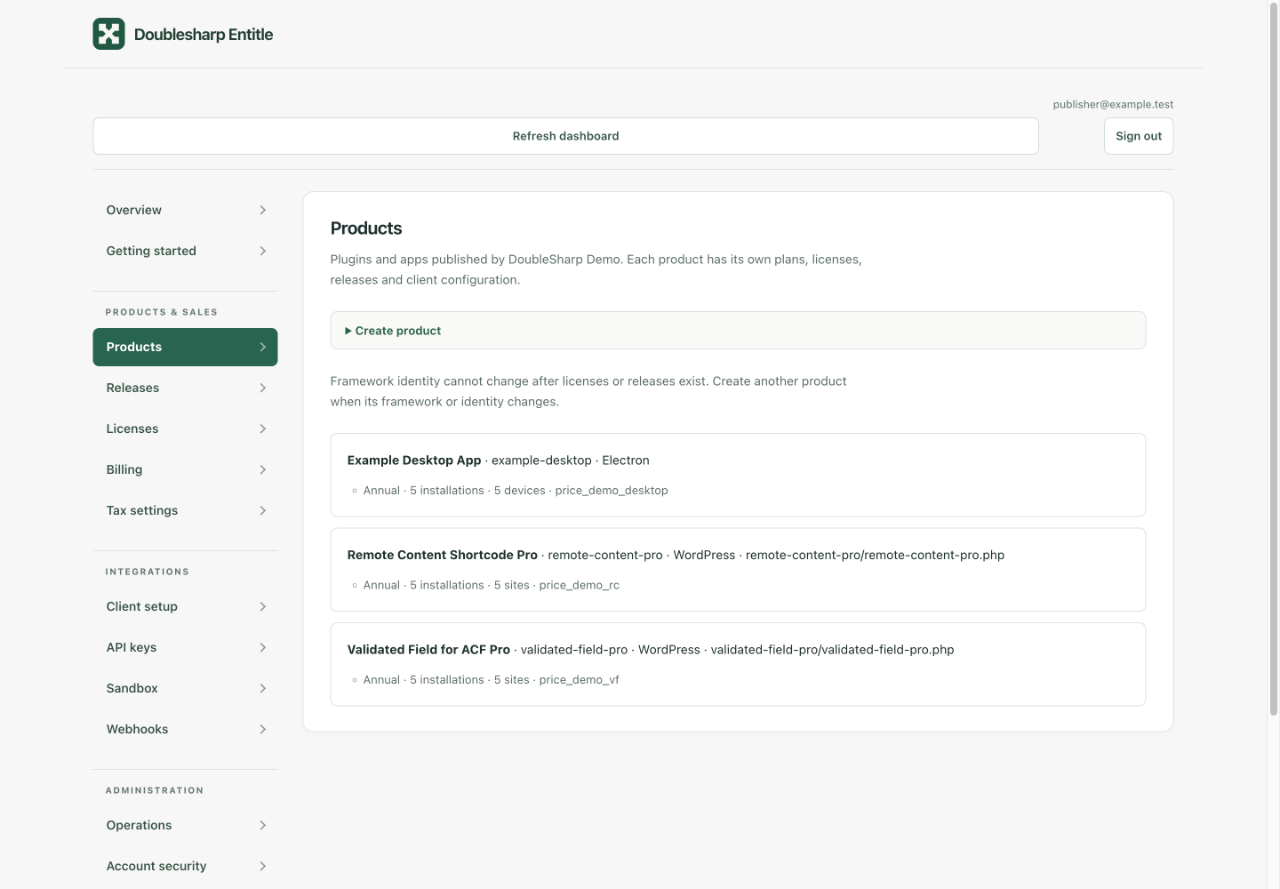
WordPress plugins and an Electron app managed in one Entitle demo workspace.
Connect the updater your application uses
WordPress uses a PHP adapter for plugin update metadata and ZIP downloads. Joomla uses extension update XML; Electron uses its native updater metadata; Tauri uses updater JSON; Sparkle uses an appcast; and JetBrains uses a custom plugin repository feed. A generic JSON feed supports other HTTP clients.
The examples cover PHP, JavaScript, Rust, Swift and Kotlin/Java integrations. Tauri and Sparkle require publisher-generated signatures and a trusted public key in the application. Integrate and test the adapter in the application and operating systems you support.
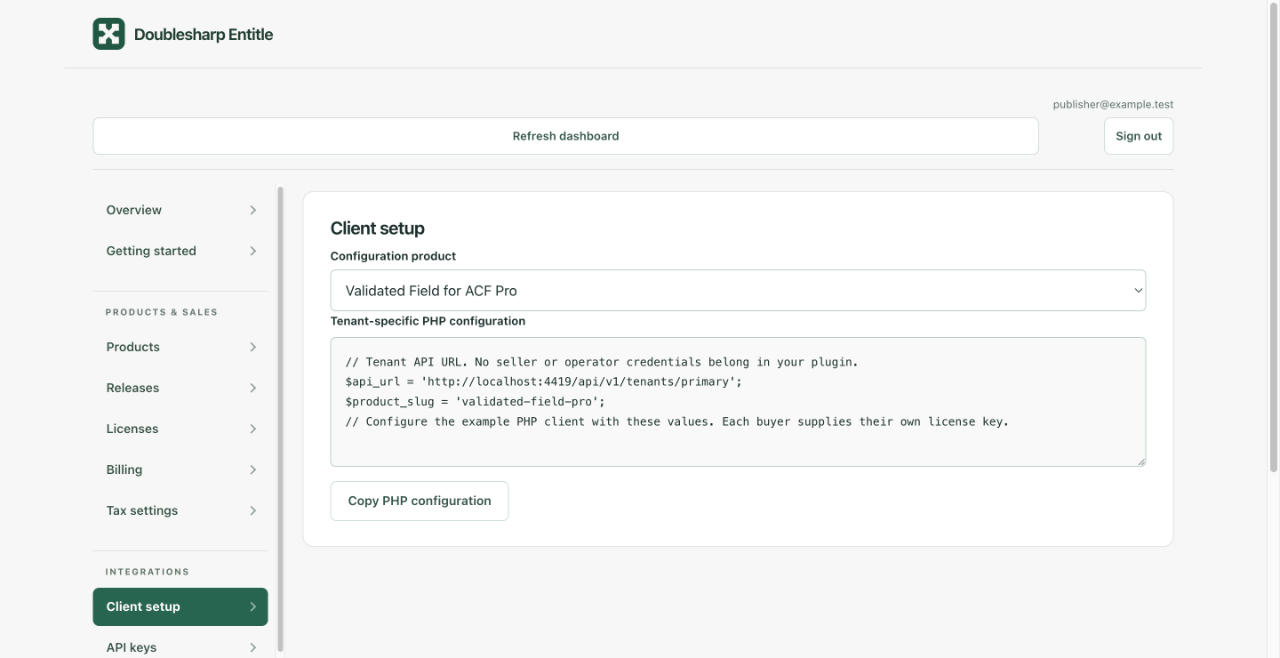
Product-specific PHP configuration for a WordPress plugin in the demo workspace.
Set up licensing and private updates
Create a product
Choose its framework and installation policy. Add an annual Stripe plan for paid sales, or issue an expiring complimentary license for an invited pilot without configuring Stripe.
Activate an installation
The customer enters a license key. The client sends it with a stable installation ID and receives a scoped activation token. Site-based products also supply the site URL.
Publish a release
Upload through the seller tools, API or CLI. Entitle validates the package and stores immutable release bytes in private S3-compatible storage.
Deliver entitled updates
The client checks its framework feed and authenticates downloads with its installation token. Entitle checks current access on each download. Customers can manage installations and recover access in the portal.
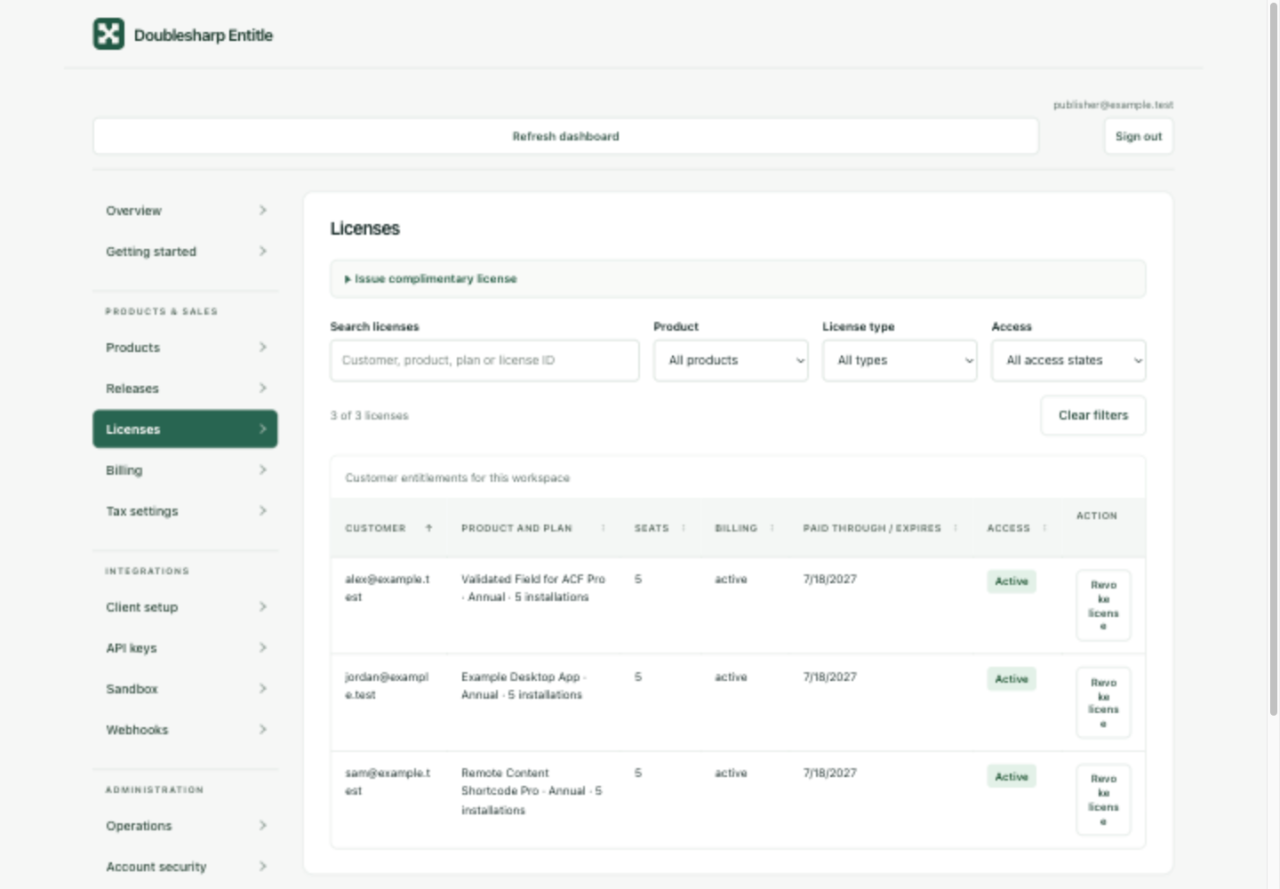
License search, installation allowances and access status, shown with sample customers.
Keep the installed software working
Expiration stops new downloads and updates. The client adapters keep installed features independent of license status, so the installed version keeps working through expiration and licensing-service outages. Complimentary licenses have explicit expiration dates and installation allowances. Issuing one does not enroll the customer in a subscription.
Automate releases and publisher tasks
The CLI and local stdio MCP server expose publisher operations using scoped credentials. Use them to publish releases from CI, inspect licenses and jobs, or connect a trusted agent to the same authorized operations. Seller automation credentials stay out of distributed applications.
Self-host Entitle or use the planned SaaS service
I made Entitle's source available so other publishers can run it themselves for their own software. Self-host with your database, private S3-compatible storage and SMTP. SQLite, PostgreSQL and MySQL are supported; Redis is optional. Stripe is needed for paid sales.
I also plan to offer Entitle as a SaaS service for other publishers, with hosting and infrastructure managed by me.
Self-hosting has no Entitle platform subscription or application fee; infrastructure and payment-provider costs remain yours.
The service and dashboard are source available under Elastic License 2.0 with an additional publisher-use permission for operating it for your own software. Client adapters are MIT licensed; generated integration snippets also carry a Zero-Clause BSD grant.
Start with your integration
Getting started
Choose a deployment, create a product and issue the first license.
Client integration
Connect activation, update checks and protected downloads to your application.
Automation and terms
Use the API, CLI or MCP server, and read the terms for your deployment.
Explore Entitle
See the licensing service and its publisher tools.